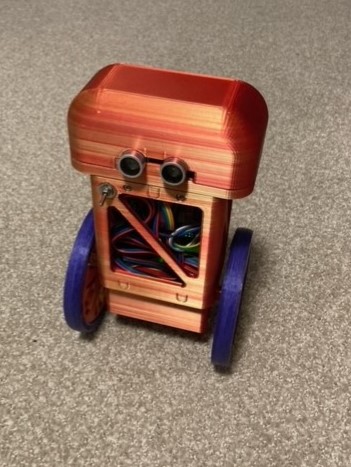
Meet Walter. This little robot was born from the scraps of other projects with one purpose: to not fall over. I've seen plenty of robots that are able to move around on only two wheels. For one summer I interned at Boston Dynamics where I got to see their Handle robot maneuver around an enclosure picking up boxes. In this project I decided to replicate that on a much smaller scale.
Walter is made up of just two stepper motors for legs and an Arduino to control him. I threw on a Lipo battery for power and an accelerometer to help him find which way is up.
This project came together in 3 main steps: electronics, body, and code. Starting with the electronics, I soldered a prototype circuit board to connect all of the components to. The board held two motor drivers and connection points for the Arduino, gyro, motors, and battery.
I used an MPU6050 chip as an accelerometer/gyro to get the live positioning data for Walter. This was needed to find the angle that the body was sitting at so the wheels could move accordingly. Lastly, a 3 cell Lipo battery was used to supply power to the system.
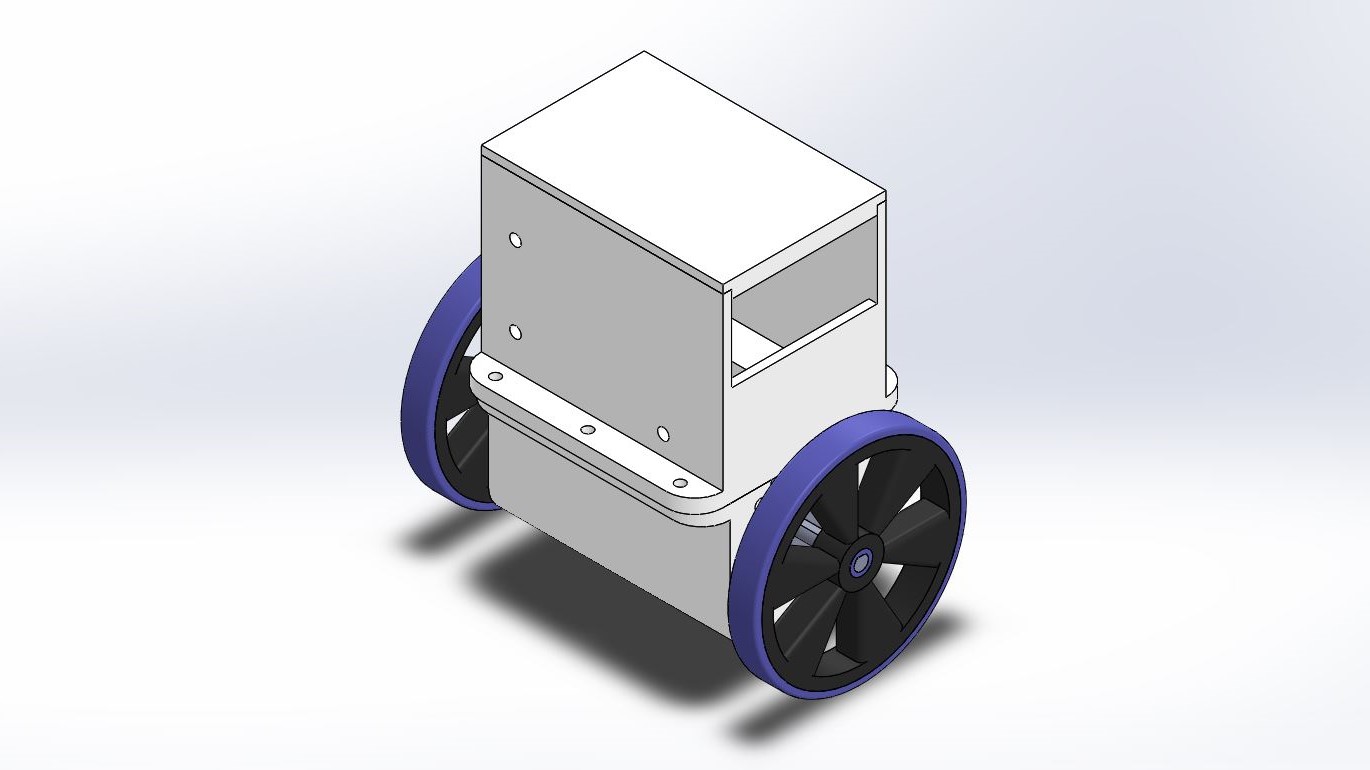
After collecting the electronics I started designing the body. The robot was broken into three parts: The wheels, the motor casing, and the electronics housing. I used my Prusa MK2S MMU to print out all of the parts for this build.
The wheels are printed with a black PLA center and a blue TPU rim. The TPU was used to give a little flair and to provide a little more grip than the PLA. The motor casing was designed to snuggly fit the two stepper motors inside. Finally, the electronics housing was made with enough space to fit the Arduino Uno and custom circuit board. I placed screw holes in the casing so that the Arduino board could be fixed inside.
The Lipo battery was taped to the top of the robot to provide a counterweight for the robot.
The problem of keeping a two wheeled robot up is called an inverted pendulum. The basic concept is that the wheels need to stay under the center of mass in order to remain stable. To control the wheels and keep them underneath the COM of the robot, I used a PID controller.
Once Walter is brought upright, the controller initiates and starts reading the current tilt angle from the MPU. The PID takes in this tilt angle as an input with the goal of getting it to match the target angle (upright). It does this by tracking proportional, integral, and derivative difference in the error between the current tilt angle and the target angle. These calculations culminate in a signal output that is sent to the motors. There are plenty of resources to check out if you want to learn more about PID controllers.
For Walter, this cycle happens every 4 milliseconds.
The coding for this project was inspired by Joop Brokking's YABR project. Reading through his comments greatly helped me get familiar with the Arduino syntax.
You can check out the code for this project here.